
This update brings one of our biggest features yet. Depict lets the AI illustrate any scene from your story on demand. We've also added new AI models, upgraded the default model for new users, and shipped a long list of polish across the app.
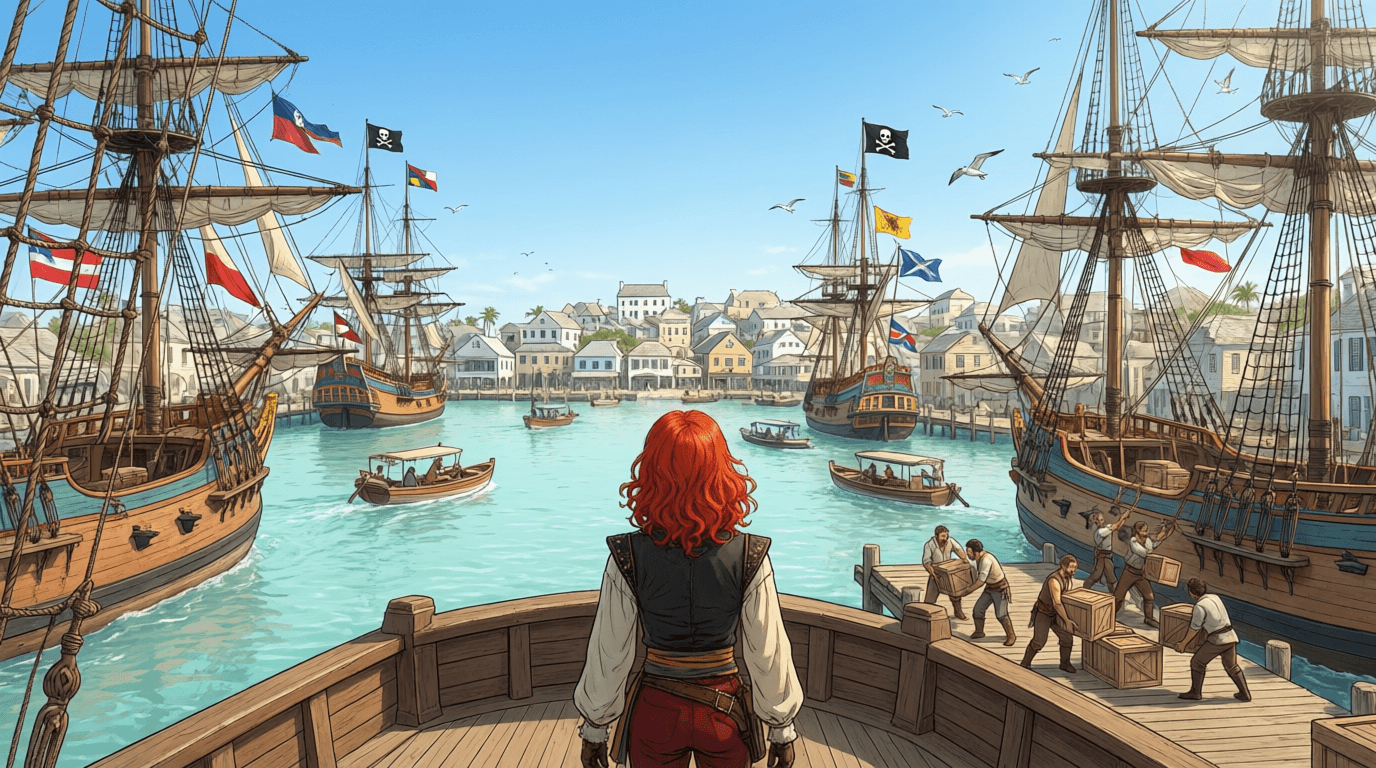
Depict — Illustrate Any Scene
Depict is a brand new way to bring your story to life visually. With a single click, the AI reads the current scene, writes a detailed visual description, and generates a full illustration of what's happening — characters, setting, mood, and all.
What makes Depict different from regular image generation:
- Scene-aware. The illustration is composed from your actual story context, including character appearance, outfits, and the current location, so the result actually matches what's happening in your story.
- POV-aware. Depict knows whether you're in first-person, third-person, or another point of view, and frames the illustration accordingly.
- Multiple iterations per scene. Don't love the first result? Generate as many variations as you want. Each scene keeps its own carousel of Depict images.
- Custom prompts and model choice. Want to nudge the image in a specific direction? Add your own prompt. You can also pick which image model to use — we've added several new ones this update (more on that below).
- Download anywhere. Save your favorite images straight from the Depict modal or History card.
See it in action — here are three scenes before and after Depict:
Example 1
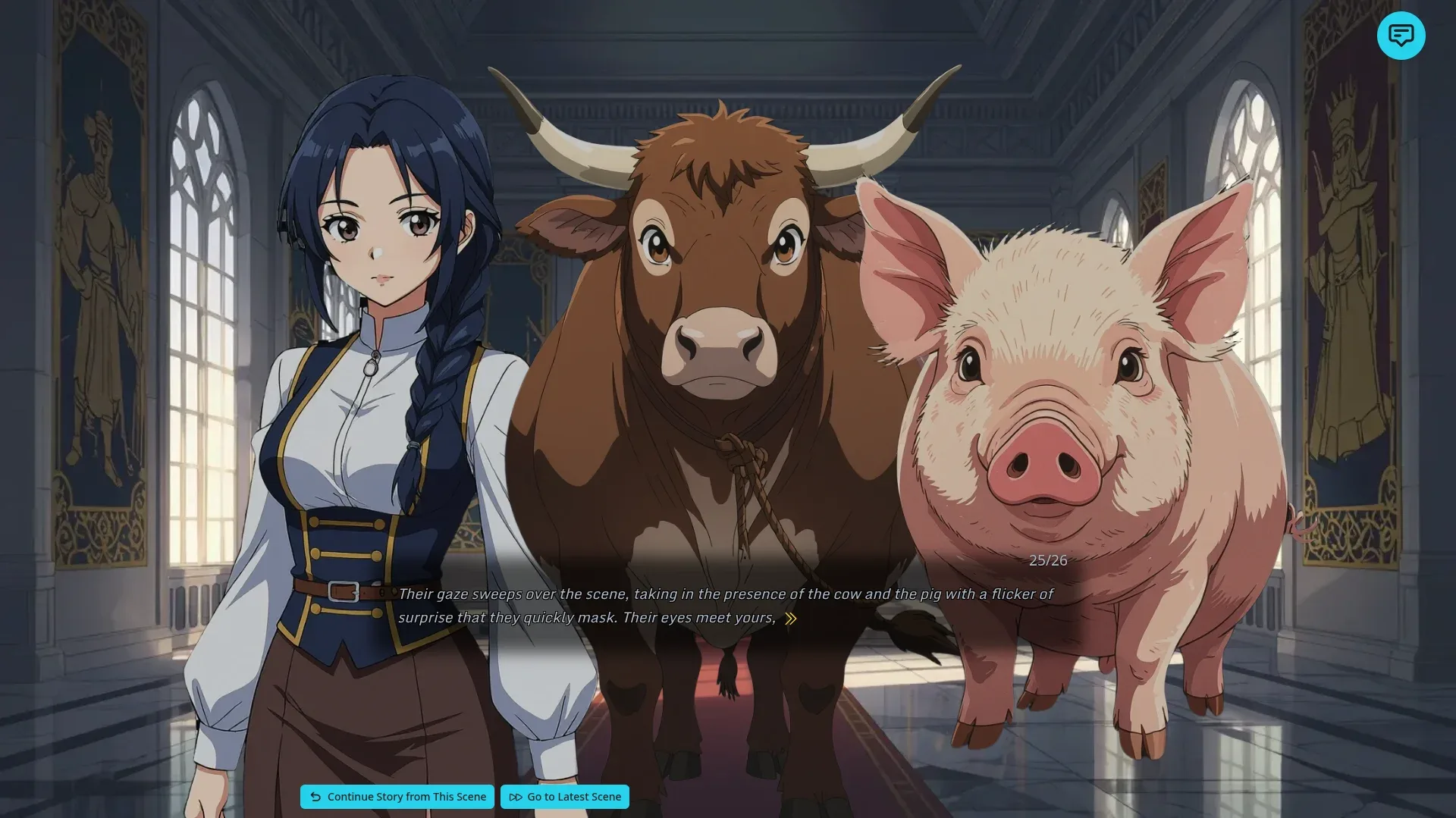
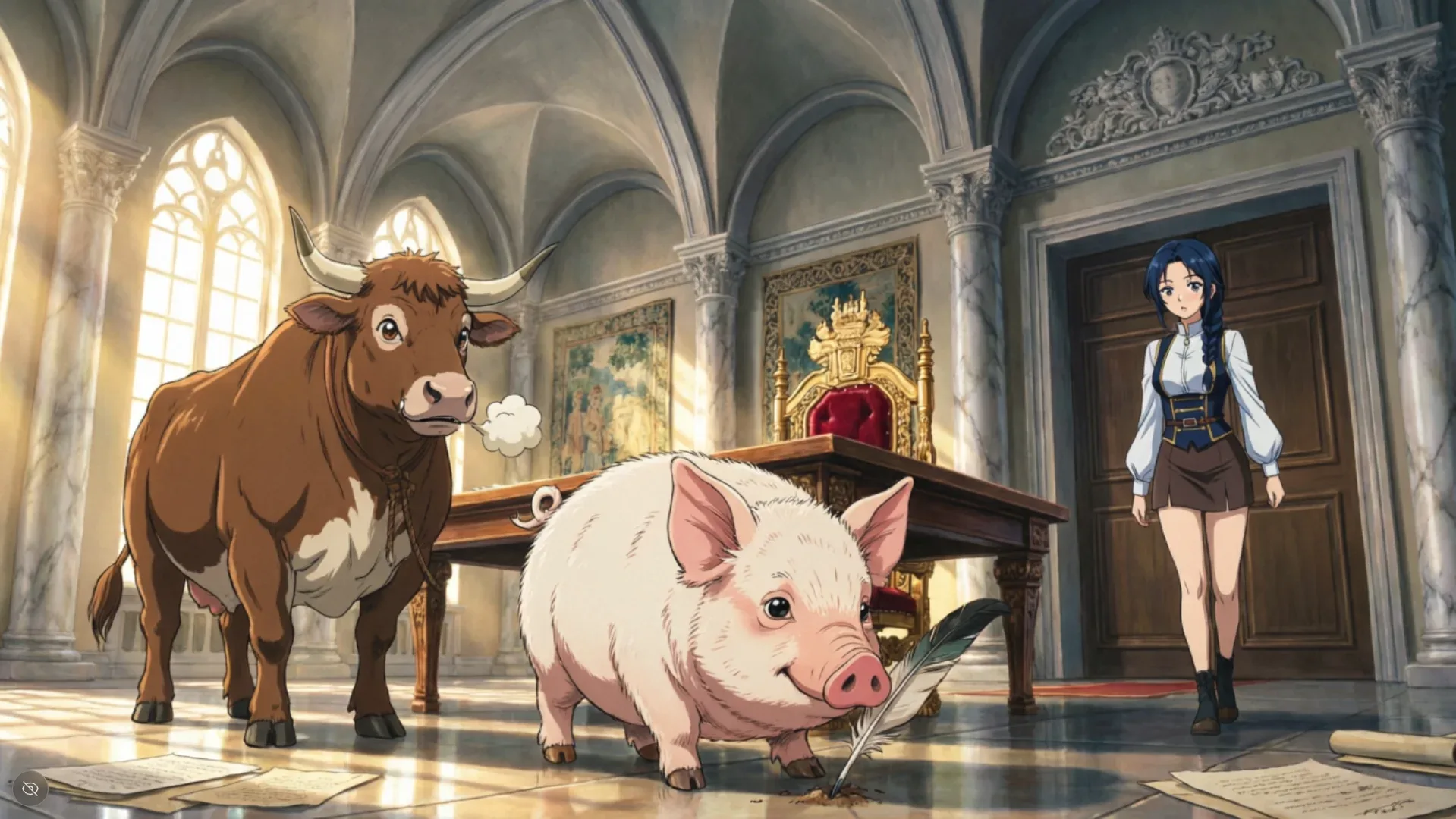
Example 2
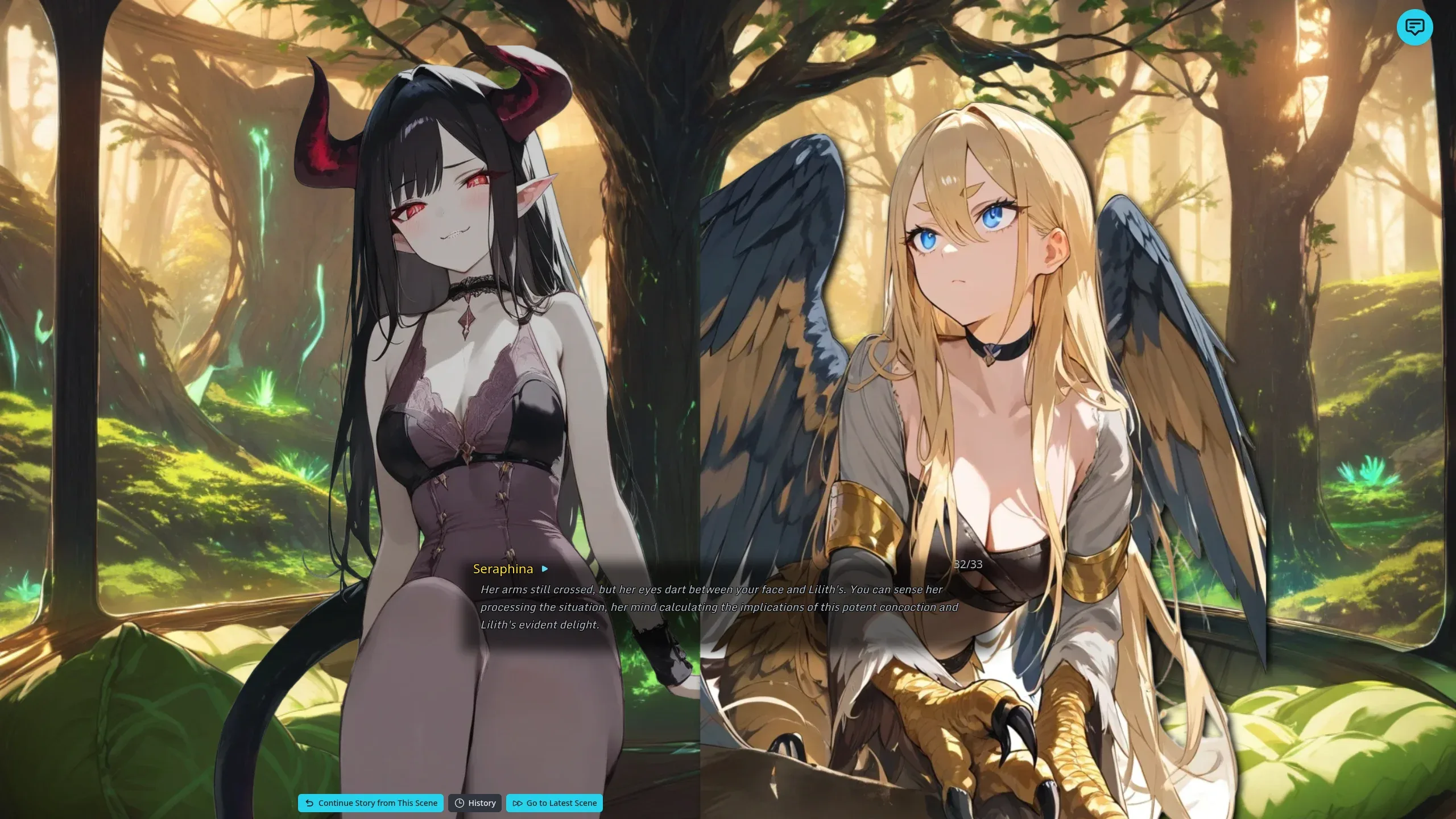
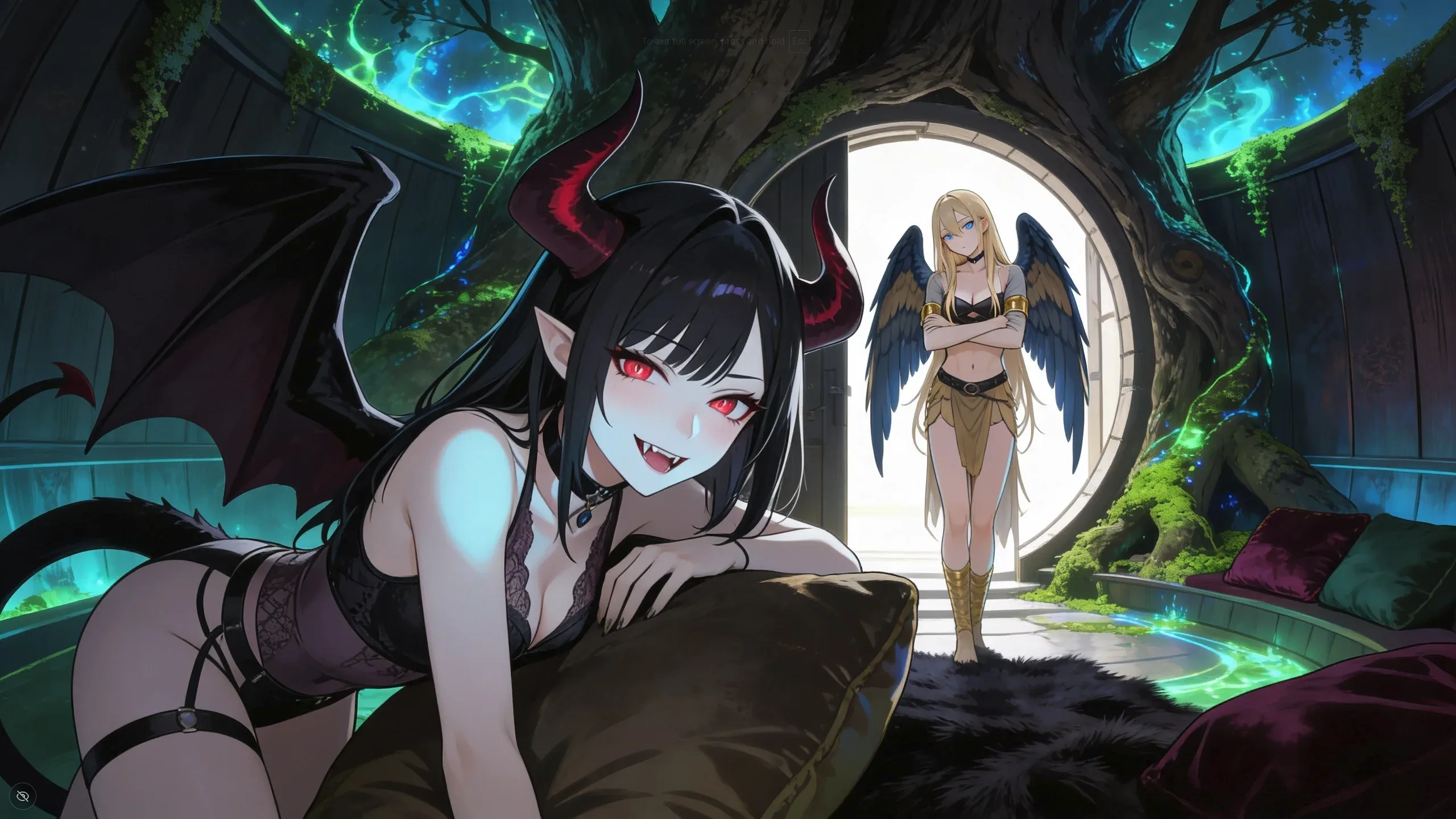
Example 3
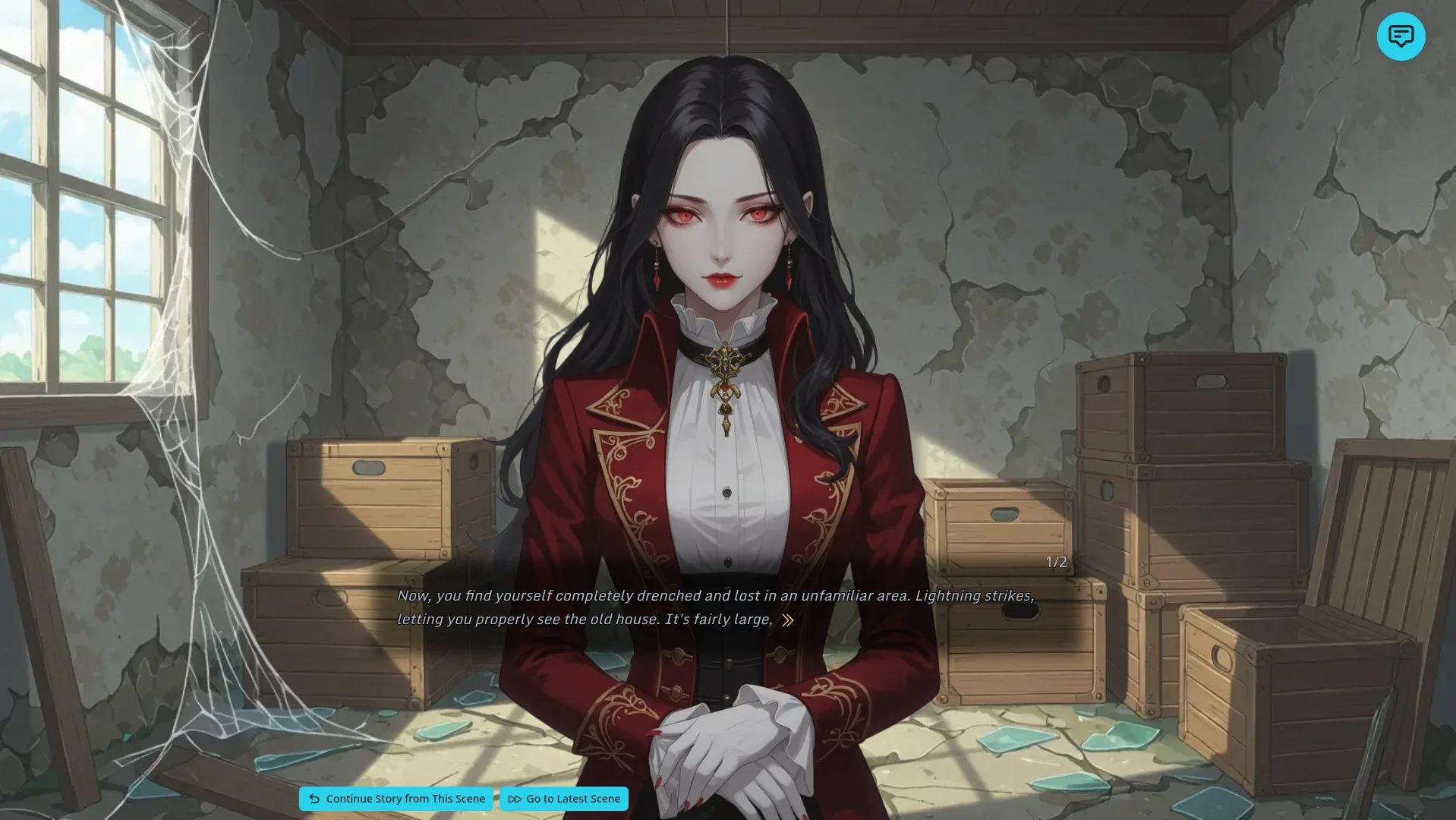
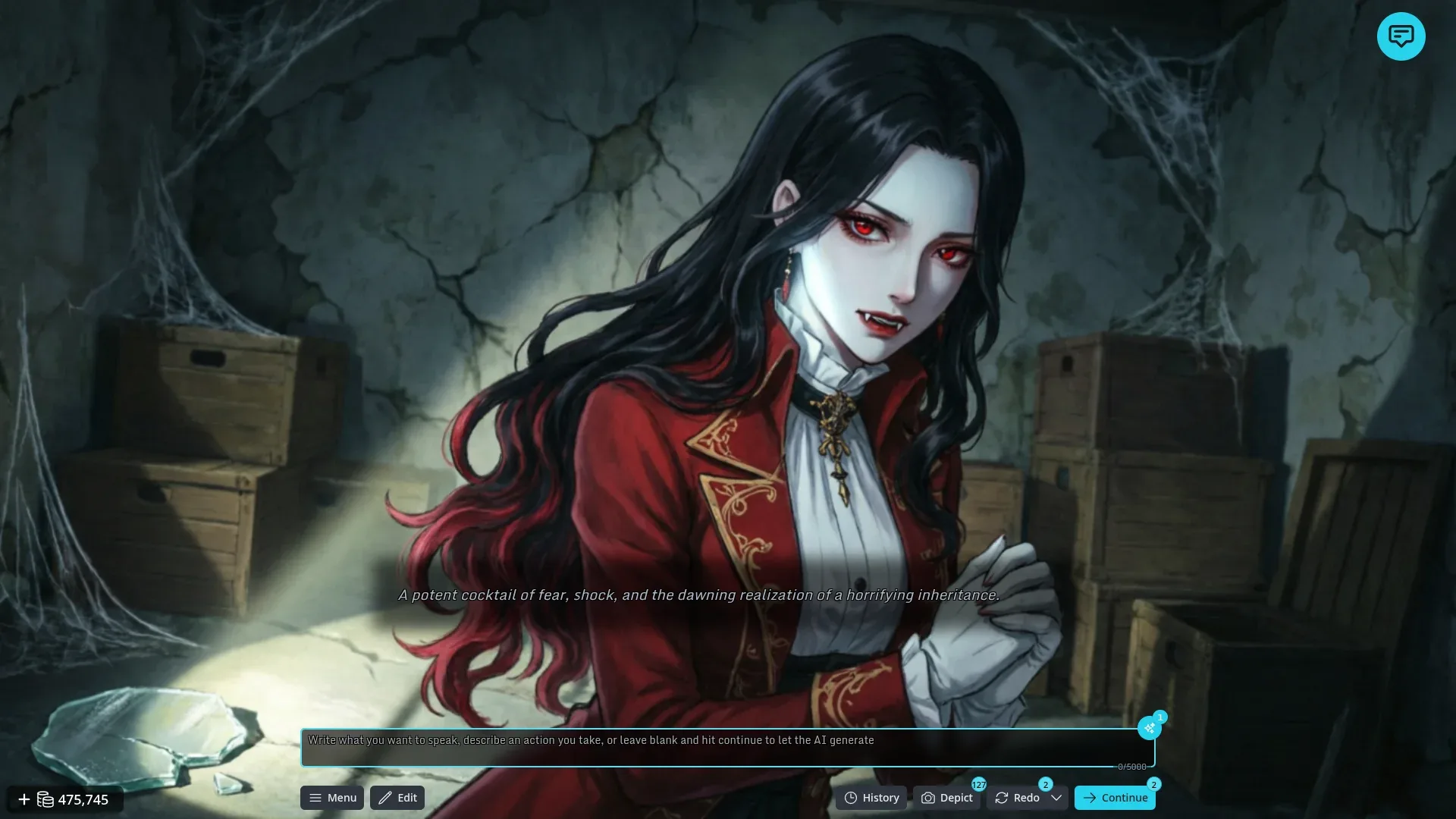
Depict is currently in experimental mode while we tune it. Results can occasionally miss the mark, but it's improving quickly and we want your feedback. Depict is available on paid tiers and requires a small credit balance to use.
New AI Models
We've added several new models across the app:
Text models
- DeepSeek V4 Flash — Now the default model for new users. It's fast, capable, and a great starting point.
Image models for Depict and image generation
- Wan 2.7 image models
- Qwen-Image 2.0 models
- Kling Image O1
- Seedream 4.5
Each Depict iteration now also shows which image model produced it, so you can quickly compare results and find your favorites.
Quality of Life and Smoother Onboarding
A long list of smaller improvements landed this update:
- Larger story prompts. The story prompt character limit is now 10,000 characters, so you have plenty of room for detailed setups.
- Saved drafts. Story input fields are now saved to your browser as you type, so a refresh or accidental navigation won't lose your work.
- Loading screen tips. Quick tips and lore appear while the AI is generating, so the wait feels less idle.
- "Create Your Own Story" card added to make it more obvious how to start your own adventure.
- Switch-models prompt. If a story keeps hitting generation failures, we now suggest switching models instead of silently retrying.
- Community stories polish. Anonymous plays are now counted, cards have a subtle hover glow, and the whole card opens the story details — not just the title.
- Story details modal cleanup, with the download button moved into the details view where you'd expect it.
Stability and Behind-the-Scenes
We've also done a lot of less-visible work this cycle: better error reporting, smarter attribution so we can understand which features are working, improved context on errors, and groundwork for more reliable streaming. The result for you is a more stable app and faster turnaround on the things you report.
Thank you, as always, to everyone in our Discord community who has tested early features and helped us shape DreamRunner.ai. Keep the feedback coming — there's a lot more on the way!