
This is our biggest update yet: a full community with creator profiles, comments, and follows, thousands of art styles, an AI assistant inside every story, a history editor that lets you rewind, a new voice model, and the whole app in 17 languages.
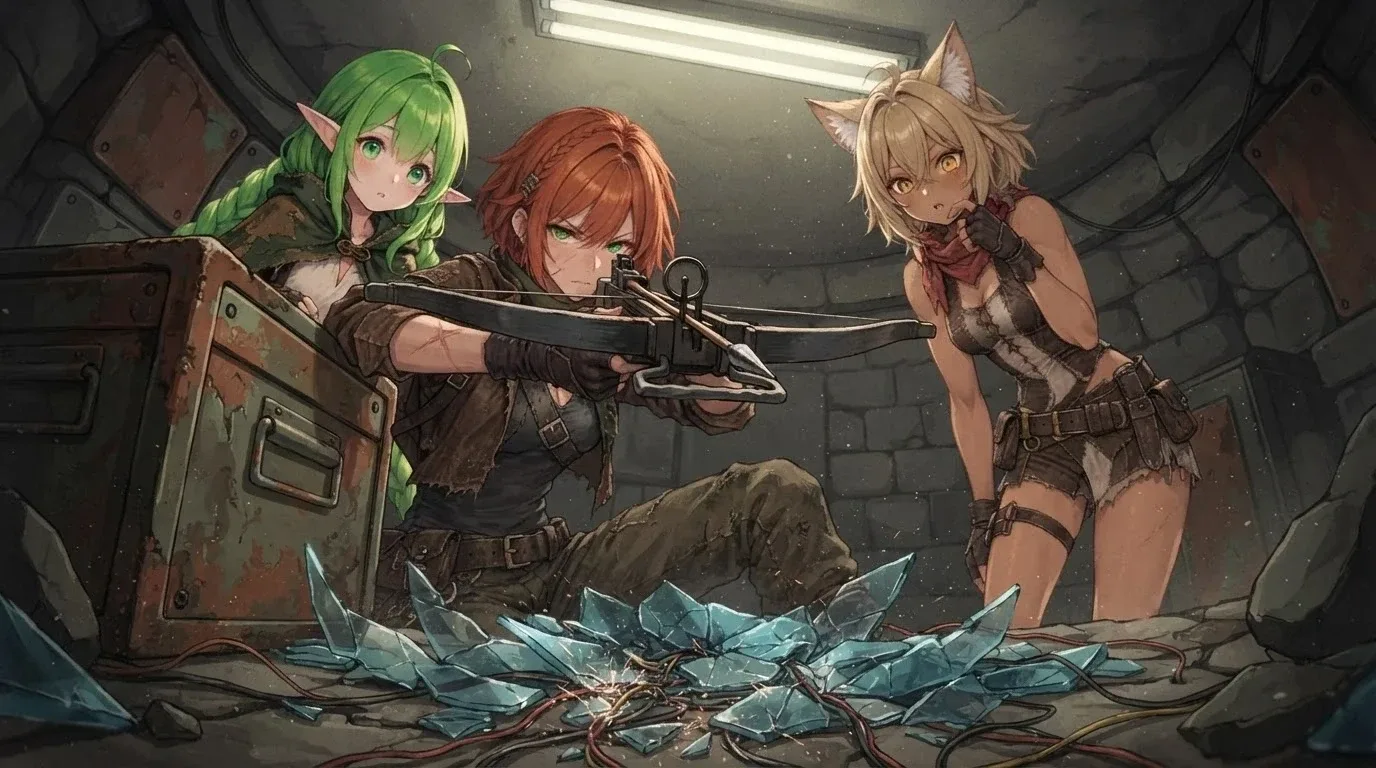 Art from playing: The Seed of Salvation
Thank you to everyone who played the beta and reported bugs in Discord. A lot of what's below changed because of your feedback.
Heads up: Everything from the beta is now live for everyone, and the free beta will close soon. If you've been playing on the beta site, switch back to app.dreamrunner.ai. Stories you made on the beta are saved on that site, so move them over before it closes: open the story menu and pick Move Story. Anything you published to the community is already live.
Community
The community is now a real place to share and find things, not only stories.
- Creator profiles. Every creator gets a page with a banner, avatar, tagline, and everything they've published. You can animate your banner and avatar, and theme the page with your own colors and fonts.
- Comments, likes, and reactions. Comment on stories, characters, and styles. Reply in threads, edit your comments, and react with emoji.
- Follows. Follow creators you like, then use the Following filter to see what they post.
- Share characters, styles, and media. Publish a character or a style on its own, and pull anyone's into your own stories with Use in Story or Apply to a story.
- Spotlight pages. Open any character, style, or image full screen. Swipe left and right to browse more of the same kind.
- Tags and search. Uploads get tags automatically. Click a tag to browse everything with it, or search by tag.
Thousands of Art Styles
- Hundreds of new official styles, including a 398-style library built on Krea 2 and dozens of styles picked from the community.
- Quick Start. An easy wizard that walks you through picking a look by family.
- Try before you apply. Test any style on a sample prompt before you use it in a story.
- Separate character and location styles. Pick one style for characters and another for backgrounds. The story form remembers your last pair.
- Favorites. Save styles and characters you like and filter to them.
AI Assistant in Every Story
The assistant now lives inside every story. Ask it in plain language and it does the work:
- Rename a character, rewrite a scene, or change the location.
- Edit a character's portrait ("give her a red scarf") or switch the image edit model.
- Search for a community style and apply it, or create a new one.
- Open the share form for your story, a character, or a style.
It also got much cheaper. A typical message now costs about 2–3 credits instead of ~11. Each story keeps up to 20 saved chats, so you can go back to an old conversation.
History Editor
Open the history to read your story or fix it.
- Edit any line and recolor speaker names.
- Continue from here rewinds the story to any scene and picks up from there.
- An Edit toggle keeps the controls out of the way when you only want to read.
- Tap a speaker's name to open their character sheet.
New Voice Model, 17 New Languages
- Voice now speaks 17 more languages. We also changed English, so please tell us how it sounds.
- Auto-continue works without voice. Text and voice auto-continue are now separate settings, so the story can keep reading itself either way.
DreamRunner in Your Language
The whole app is now translated into 17 languages: English, Spanish, French, German, Italian, Portuguese (Brazil), Russian, Japanese, Korean, Chinese (Simplified and Traditional), Dutch, Polish, Turkish, Thai, Vietnamese, and Indonesian.
Stories stay in one language too. Pick a language for a story and the AI writes the whole thing in it. Spot a bad translation? Use the link in the language menu to send us a fix.
More Models
Text: Gemini 4 Argon, Gemini 3.8 Flash, Claude Sonnet 5.5, Claude Haiku 5.5, GPT-6.1 Sol, GPT-6 Luna, Grok 4.7, Mistral Large 4, GLM 5.3, MiMo V2.6, Qwen3.8 Flash (with a 1 million token memory for very little cost), and more.
Images: 26 new image edit models. The default edit model is now FLUX.2 klein 9B, which is fast and costs 3 credits. Qwen-Image-2.1-Pro is also available.
Characters and Images
- Drop or paste an image anywhere to start a story from it or make a character from it.
- Restyle a photo. Turn your own picture into a character or a location in any style.
- A Skip button on a Depict's scene description when you only want the picture.
Mobile
- On a portrait phone, only the speaking character is on screen, and they're sized so you can still see the location.
- Simpler controls in one row, a cleaner header menu, and two cards per row on the home grid.
Keep Your Stories Safe
- Backup and restore and bulk export for your whole library.
- A warning when your device storage is almost full.
- Generations survive network blips, and a failed image no longer leaves a blank scene.
Payments and Free Plan
- Pay with crypto. Checkout now accepts USDC and other stablecoins through Stripe.
- Free daily allowance resets at a fixed time (midnight UTC) instead of a rolling clock, so you always know when it comes back.
Updated Community Guidelines
We've updated our rules. Our new Community Guidelines spell out what is and isn't allowed on DreamRunner.ai, and the Terms of Service were updated to match. Please give them a read.
The biggest change: DreamRunner doesn't allow characters under 18, in stories or in the community. A passing mention is fine, but a minor can't be a character, and labels like "aged up" don't change that. Uploads that break this rule get refused.
Thank You
As always, join us in Discord to report bugs, share what you've made, and tell us what you want next.
If you enjoy DreamRunner.ai, a review helps more people find us: ⭐ https://g.page/r/Cb89F5YmjgZpECE/review