
AI Roleplay With Illustrated, Voiced Scenes and a Whole Cast
DreamRunner.ai is AI roleplay that plays out as a story instead of a chat log. Describe a scenario in a sentence and you are in it: the AI writes each scene, draws it and speaks every line, and the characters around you each keep their own memory of what you did. It is free to start, right in your browser.
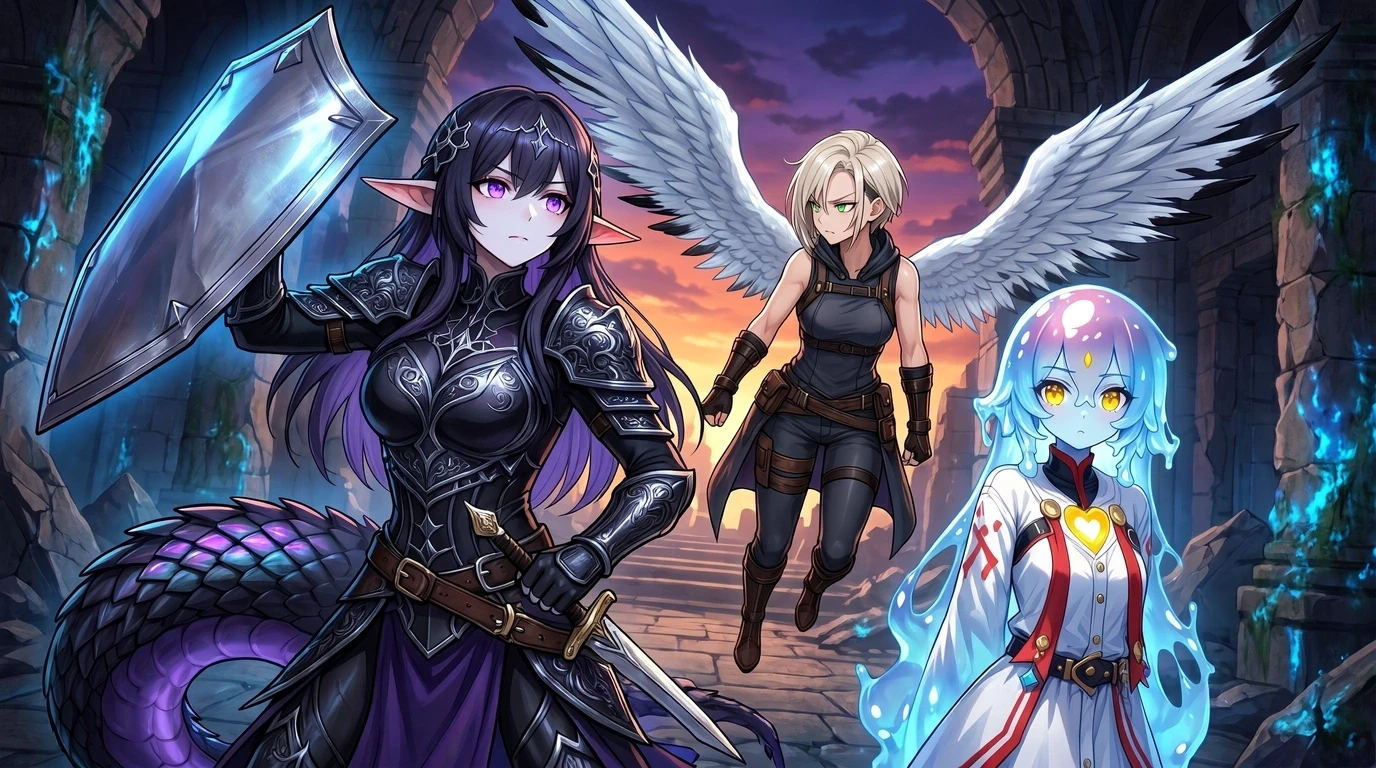
Roleplaying AI that plays out in scenes
Most roleplay apps give you a chat window and one character. That works for a conversation, but a scenario usually has more people in it: a rival, a stranger at the bar, a guard who saw too much. In DreamRunner those people are characters in their own right. They enter and leave scenes, pursue their own goals and react to each other, not only to you.
The result reads like an AI visual novel you are playing: a picture of the moment, a line of dialogue spoken in that character's voice, and a box where you type what you do next.
How AI roleplay works here
- Describe the scenario. One sentence is enough: the setting, the situation and who you are in it. The AI builds the world, the cast and the opening scene from that. Or start from a community story.
- Pick a look and voices. Choose an art style from thousands in the community or make your own, and describe a voice in plain language for each character and the narrator.
- Type anything. Say a line, make a move, walk out of the room. There are no preset choices. The world plays out the consequences, and every scene is written, illustrated and spoken as it happens.
- Steer whenever you like. Rewrite a scene, redraw a picture, change a character or edit what the story remembers, at any point in the roleplay.
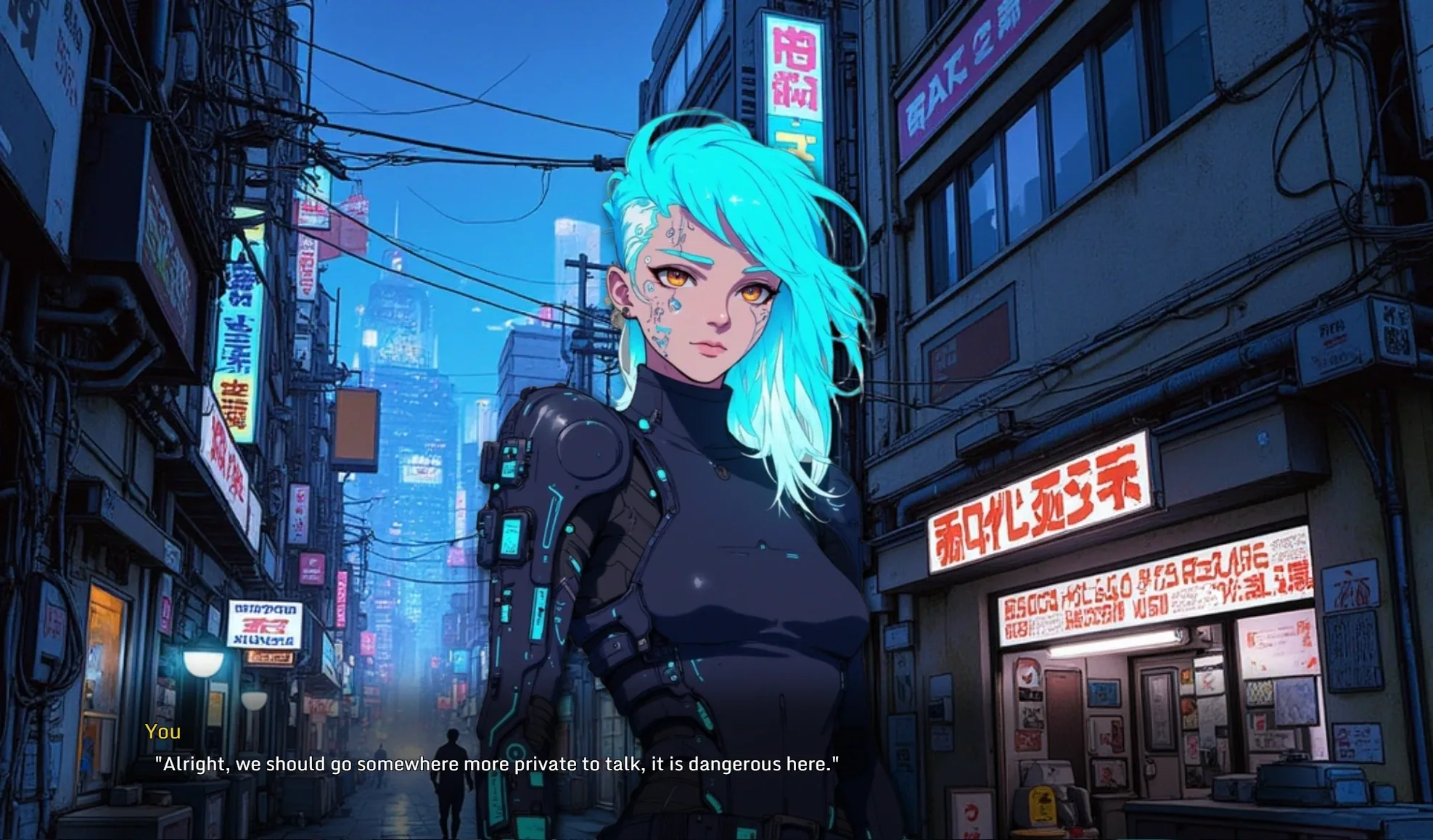
A cast where each character keeps its own memory
In a chat app there is one transcript, and every character reads from it. Here each character keeps their own memory, written from their point of view. A character who wasn't in the room doesn't know what was said there. One who was lied to acts on the lie. That is what lets secrets, grudges and slow-burn trust work in a long roleplay.
The story also keeps running summaries, so the big events stay with it as it grows. You decide how many recent scenes the AI reads in full, and none of the memory is locked: if a character forgets something that mattered, open their memory and write it in.
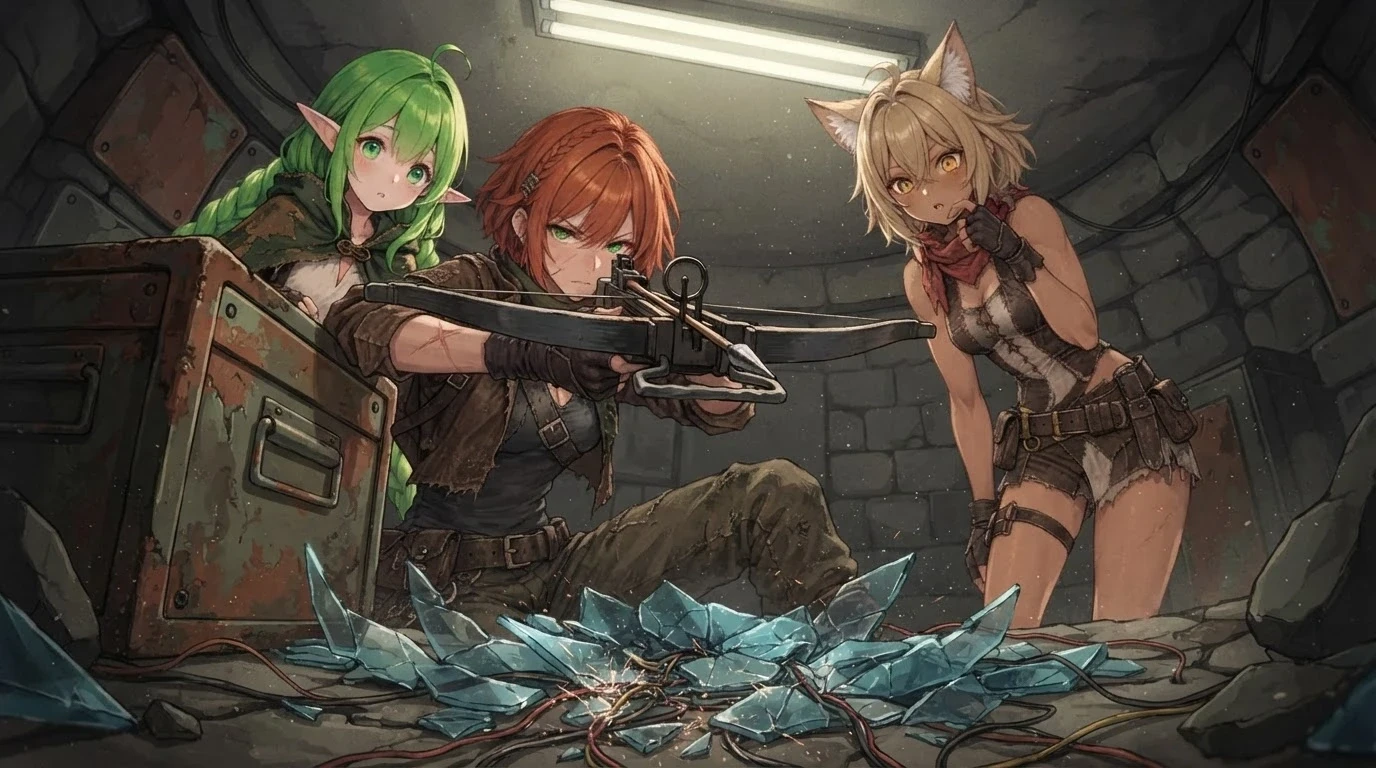
AI roleplay with images and voices
Scene pictures are composed from what is actually in the story: who is present, what they are wearing, where they are and whose point of view you are seeing. Press Depict and the current moment becomes a picture. Characters keep a consistent look from scene to scene, in any of thousands of community art styles or one you make.
For voices, describe how someone should sound and the AI creates that voice. Each character and the narrator gets their own, or you can clone one from a clip you upload. The app works in 18 languages, and voice covers most of them.
AI chatbot roleplay, RPG, or a story you play?
These overlap. If you want a one-on-one conversation with a single character, read about AI character chat. If you think of it as an AI roleplay game with quests and a game master, the AI RPG page covers that side. If you mostly want a story written and illustrated for you, see the AI story generator. This page is about the middle: you play a part, and a whole illustrated, voiced cast plays the rest.
Who this is not for
If you want to pick from a huge library of ready-made characters and start chatting in two seconds, a chat app is simpler. DreamRunner asks for a moment of setup, though you can also start from a community story. It runs in the browser only: there is no native app and no offline mode. And while romance and mature storylines between adult characters are allowed within our content guidelines, generated images stay non-explicit, and DreamRunner is for adults only.
Stories are saved in your own browser, not on our servers. That keeps them private, so back one up before you clear your browser data.
Frequently Asked Questions
Is this AI roleplay free? +
Yes. The free plan gives you 100 story generations and 50 images every day on a simpler AI model, and it is not a trial that expires. Credits unlock the premium writing and image models. It runs in your browser, with no download and no credit card.
How is this different from AI chatbot roleplay? +
A chatbot gives you one character in a chat window and one shared transcript. DreamRunner plays your roleplay out as scenes in a visual novel: a cast of characters who come and go, each with their own memory, and every scene can be illustrated and voiced.
Do the characters remember what happened? +
Each character keeps their own memory, written from their own point of view, so they only know what they saw. The story also keeps running summaries. You choose how many recent scenes the AI reads in full (15 to 150, 35 by default), and you can edit the summaries and each character's memory yourself.
Can I roleplay with more than one character at once? +
Yes. Characters enter and leave scenes, pursue their own goals and react to each other. Describe a new character in one sentence and the AI fills in the name, personality, appearance and outfits.
Is romance or mature roleplay allowed? +
DreamRunner is for adults only. Romance and mature storylines between adult characters are allowed within our content guidelines, and no character may be under 18. Images are filtered more strictly than text and stay non-explicit.
Does it work on my phone? +
Yes. Most players are on a phone. Open app.dreamrunner.ai in your phone's browser and add it to your home screen if you like. You can hold the mic button and talk instead of typing.
More answers about credits, saving and devices are in the FAQ. Comparing apps? See how AI visual novel apps compare.
Describe a scenario in one sentence and play it, free, in your browser.
Play Free Now