
An AI Story Generator With Pictures That You Play
Type a one-sentence idea and DreamRunner.ai turns it into an interactive story with pictures. The AI writes the opening scene, draws your characters and the place they're in, and can read every line aloud. Then you play it: type what you do next, and the story follows.
It's free to start, runs in your browser, and needs no download or credit card.
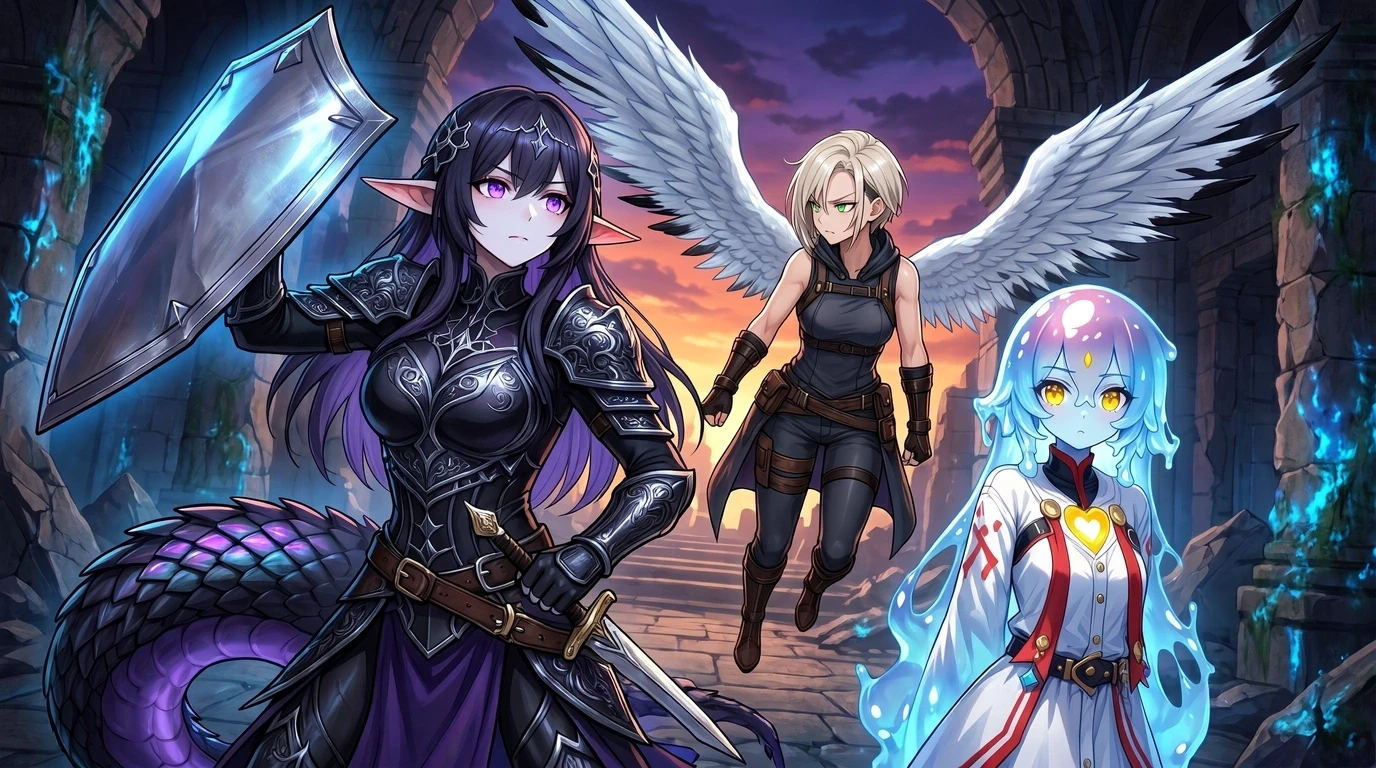
How the AI story generator with pictures works
You don't write the story and you don't just read it. You start it, then live through it one scene at a time.
- Step 1
Describe the story
One sentence is enough: a setting, a premise, who you are in it. The AI builds the world, the cast and the opening scene from that.
- Step 2
Pick a look and voices
Choose an art style from thousands made by the community, or make your own. Describe a voice in plain language and a character speaks in it.
- Step 3
Play by typing what you do
Talk, fight, flirt, sneak off, change your mind. Type anything, or hold the mic and say it. The AI writes what happens next and the characters react.
- Step 4
Steer it as you go
Edit any scene, redo a reply you don't like, change how a character looks, or press Depict to paint the current moment as a full illustration.
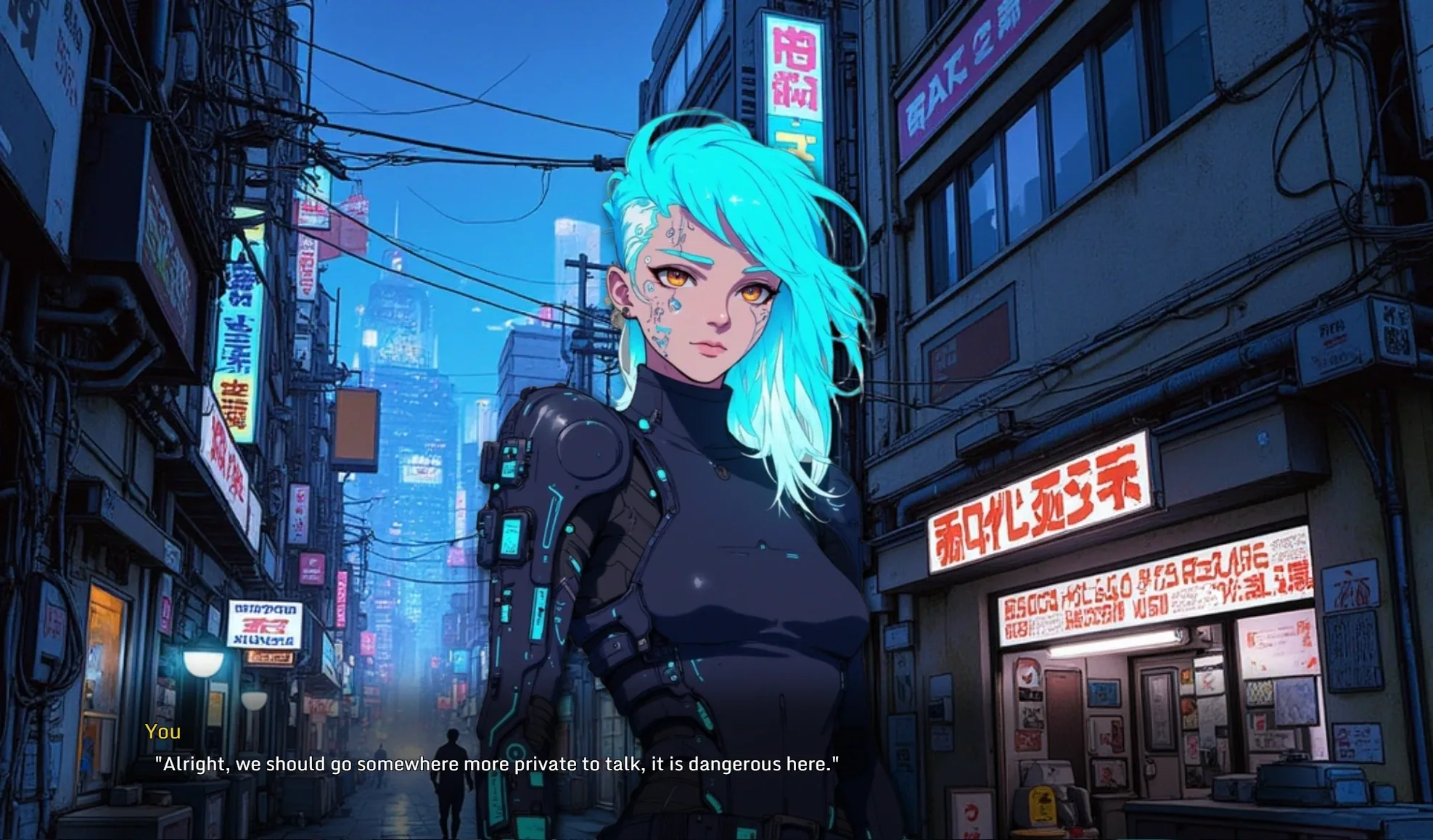
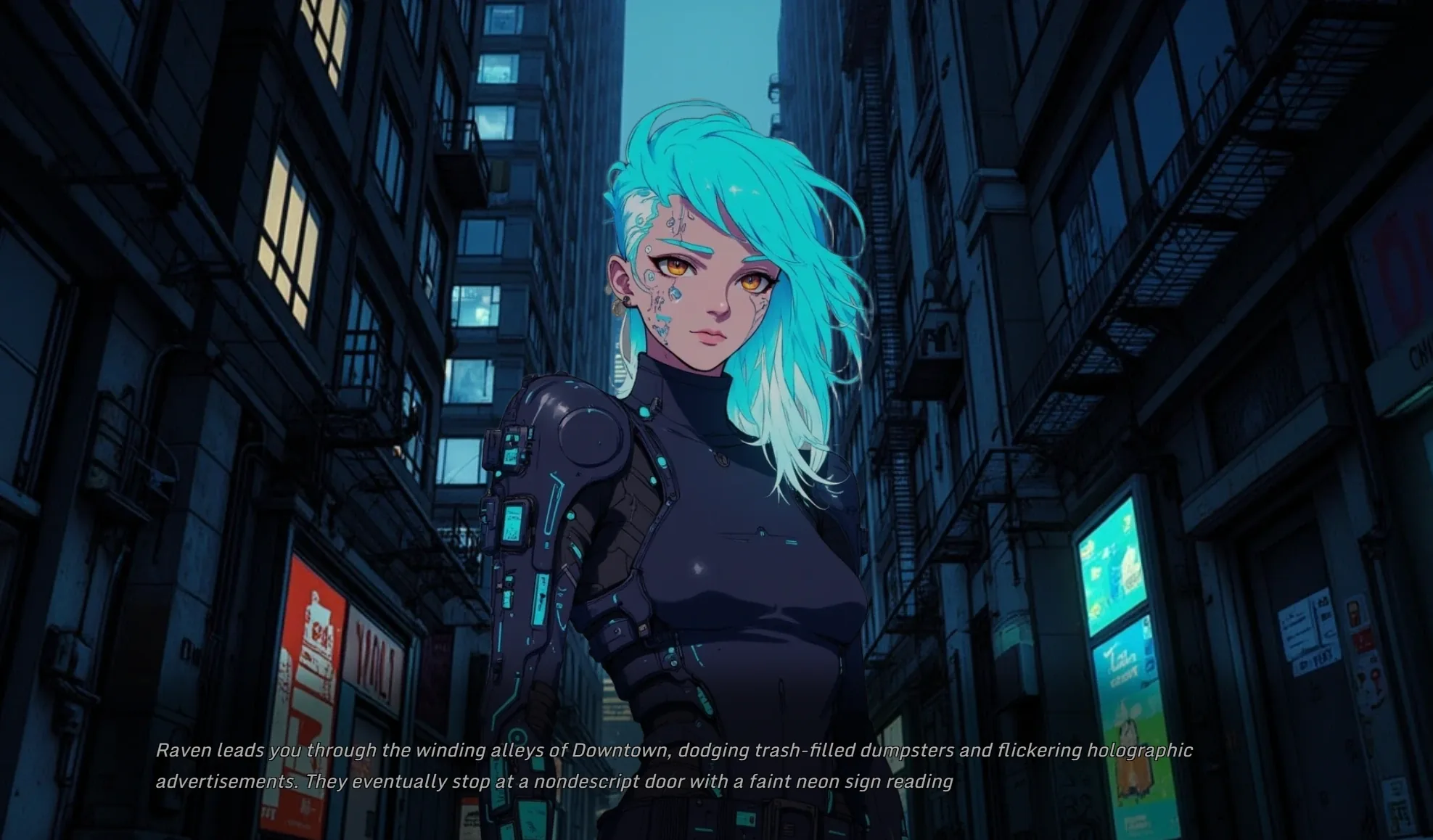
An AI story game, not a text box
Most AI story generators keep one block of text and keep adding to it. DreamRunner keeps track of a world: who is in the scene, where they are, what they're wearing and what each of them remembers. That's why it plays like a game, and why it's closer to an AI visual novel than to a writing tool.
- Characters remember on their own terms. Each one keeps a memory written from their point of view and only knows what they saw. A character you lied to acts on the lie.
- Pictures that match the story. Scene art is built from what's actually happening: who is there, how they look, what they wear, the location and your point of view. Characters keep a consistent look from scene to scene.
- A voice for every line. Each character and the narrator can have their own voice, designed from a plain description.
- You pick the writer. Choose which AI model writes your story and give it custom instructions about pacing or tone.
- Long stories hold together. Running summaries and per-character memory keep a hundred-scene story on track, and you can read and edit both.
- Private by default. Your stories are saved in your own browser, not on our servers.
If you came looking for interactive story AI because a plain generator felt flat, this is the difference: the story reacts to you. And if you'd rather start from someone else's idea, the community has published stories you can play right away.
Who this is not for
DreamRunner does not write a finished manuscript, essay, school assignment or book for you to copy out. There's no button that turns a playthrough into a document, PDF or ebook. What you can save is a story file that holds the text, characters and images. It's a backup that opens in DreamRunner on any device, not something for a word processor.
It also isn't the fastest way to get a short piece of fiction in one go. You play scene by scene, so a story lasts as long as you want to stay in it. And DreamRunner is for adults only, so it's not the place for a children's story.
More ways to play an AI interactive story
If you mostly want to talk with characters, see AI roleplay. If you want the AI to run an adventure for you like a game master, see AI RPG. Weighing other apps? Here's how AI visual novel apps compare, and the FAQ covers what's free and what credits buy.
AI story generator FAQ
Is this AI story generator free? +
Yes. The free plan gives you 50 images and 100 story generations every day, and it is not a trial that expires. It runs on a simpler AI model, and credits unlock the premium writing and image models. The allowance refills at midnight US Eastern time.
Can I download my story as text, a PDF or a book? +
No. You can download a story as a .drsf file that holds its text, characters and images, with voice lines if you want them, and import it back into DreamRunner on this device or another one. It is a backup, not a document. Publishing to the community shares your setup and first scene, so other players start their own run from it.
How is this different from a regular AI story generator? +
A regular generator writes text from your prompt and stops. Here the prompt starts a story you play: each scene comes with pictures and can be read aloud, and you decide what happens next by typing it.
How long does my prompt need to be? +
One sentence is enough. The AI fills in the world, the characters and the opening scene. If you want to set more up front, the story prompt holds up to 5,000 characters.
Does it work on my phone? +
Yes. Open app.dreamrunner.ai in your phone's browser. There is nothing to install, and you can add it to your home screen so it opens like an app.
What kinds of stories can I play? +
Fantasy, sci-fi, mystery, horror, romance, slice of life, or anything else you can describe. DreamRunner is for adults, and romance and mature storylines between adult characters are allowed within our content guidelines. Images are filtered more strictly than text.
Start with one sentence
Give DreamRunner an idea and play the first scene. Free, in your browser, no download.