
AI Fanfiction You Step Into and Play
DreamRunner.ai is AI fanfiction you play. Most tools sold as an AI fanfic generator hand you a block of text. Here you describe the characters and the what-if, then step into the story yourself. The AI writes each scene, draws it and voices it, and every character remembers what happened.
It's free to start, runs in your browser, and needs no download or credit card.
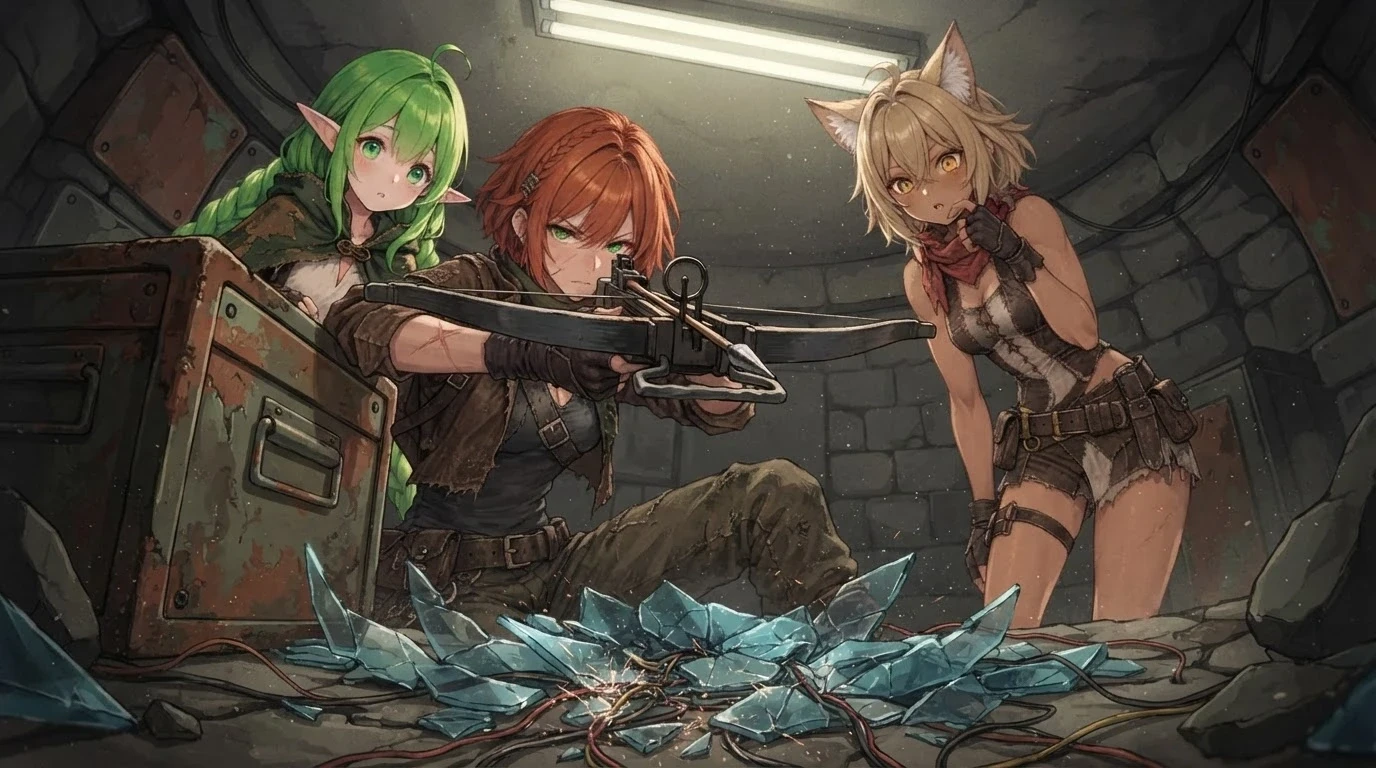
Fanfic AI where you are in the story
A fanfic AI that writes for you works like a writing assistant: you prompt, it drafts, you edit. DreamRunner works like a game. You play one part and the AI plays everyone else, which suits the fan stories people most want to live in:
- Self-insert. You are in the world, with your own name and history, and the cast reacts to you.
- What if. Change one moment, like a rival who joins your side, and play out what follows.
- Alternate universe. Move a cast you describe into a new setting: a space station, a small-town café, a heist crew.
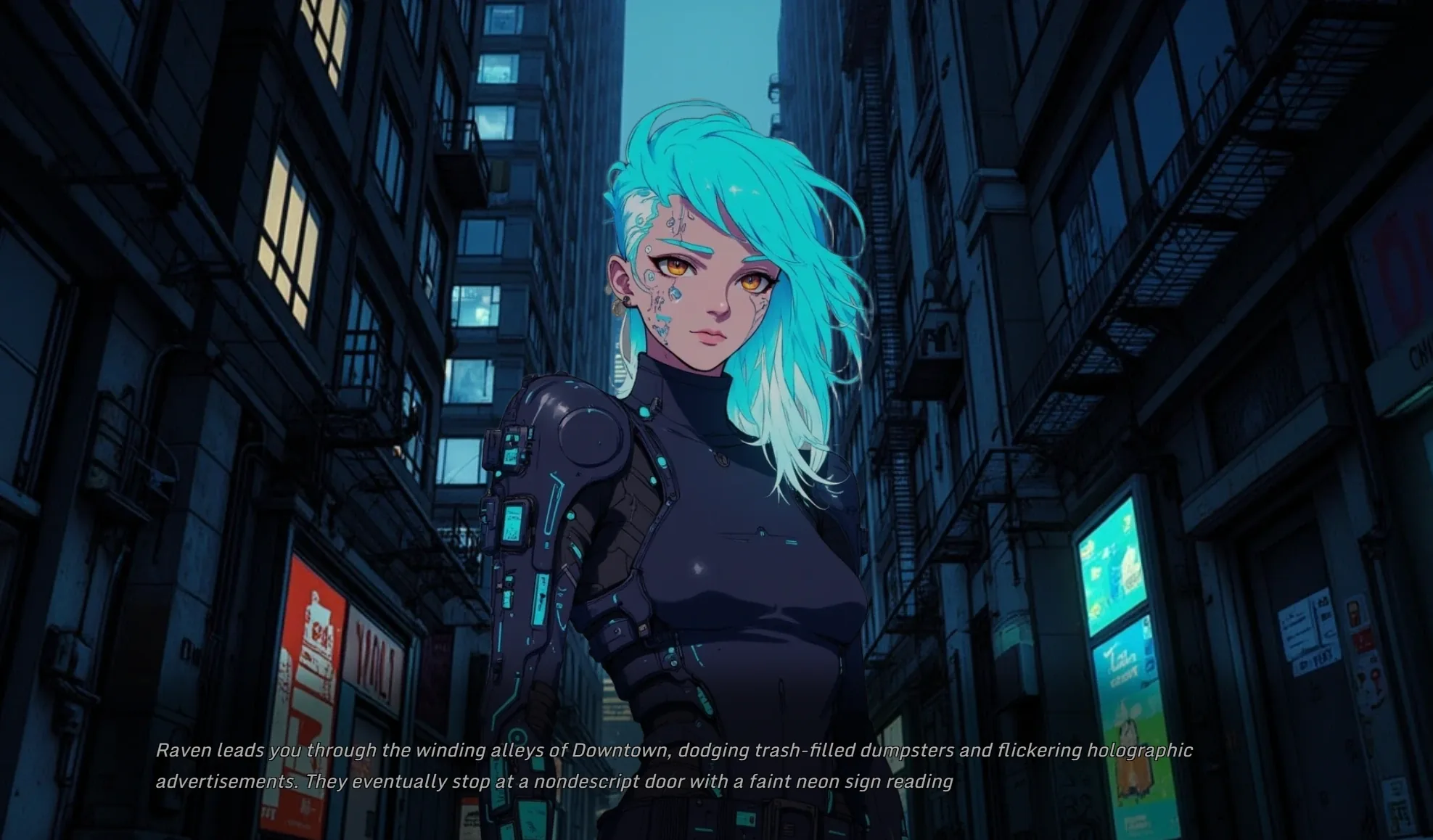
It plays like an AI visual novel: a picture of the moment, a line spoken in that character's voice, and a box where you type what you do next.
How playing AI fanfiction works
- Step 1
Set up the what-if
Write the premise in the story prompt: the world, where it splits from the version you know, and who you are in it. One sentence works, and the prompt holds up to 5,000 characters.
- Step 2
Describe the cast
Describe each character in your own words, or give one sentence and the AI fills in the name, personality, appearance and outfits. Edit any of it by hand.
- Step 3
Pick a look and voices
Choose an art style from thousands made by the community, or describe your own. Describe a voice in plain language for each character and the narrator.
- Step 4
Play your part
Type what you say and do, or hold the mic and say it. The AI writes the next scene and the characters react.
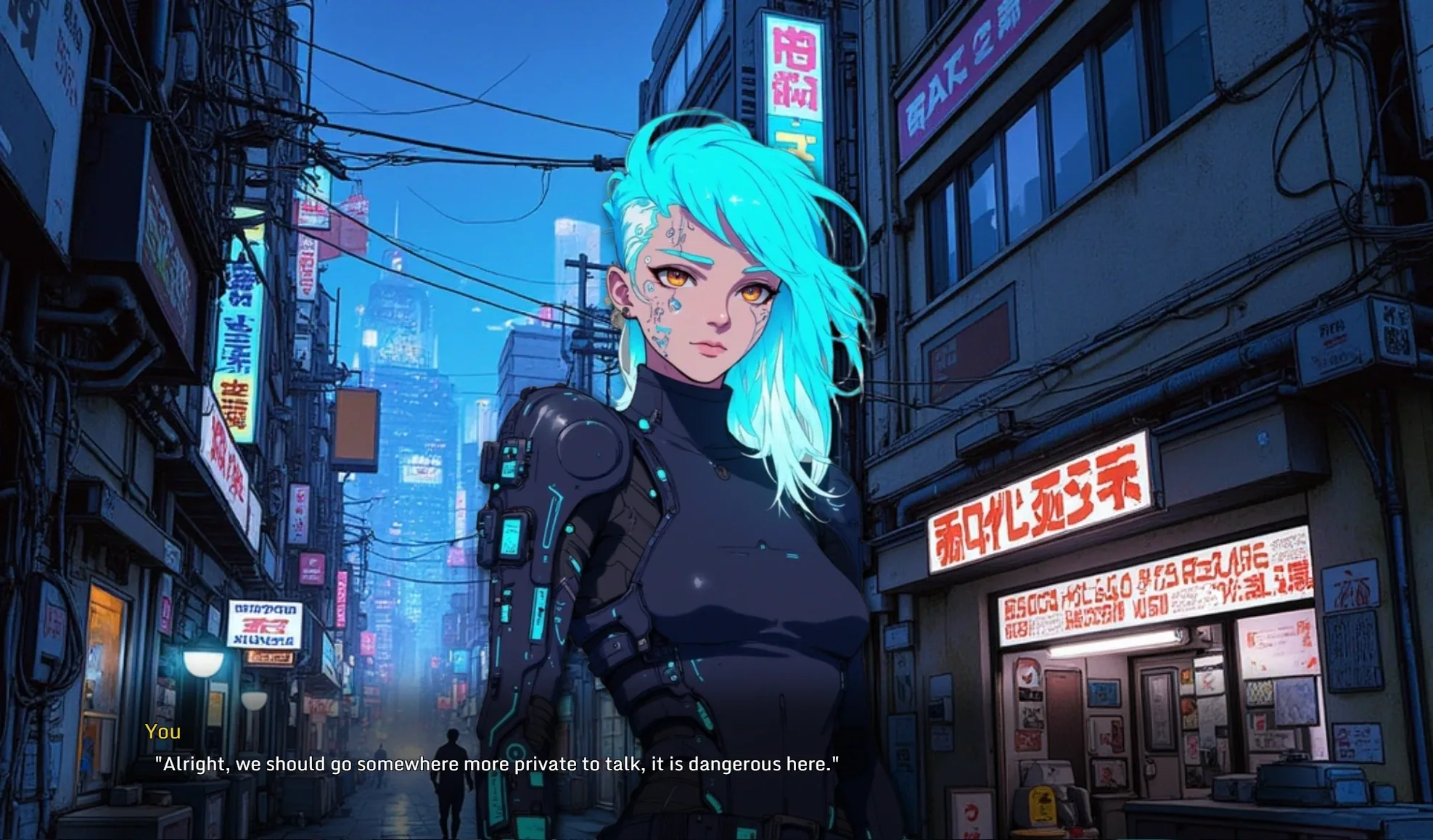
More than an AI fanfiction writer: a cast that remembers
Each character keeps their own memory, written from their point of view. One who wasn't in the room doesn't know what was said there, and one who was lied to acts on the lie. That lets a slow-burn or a betrayal hold up over a long story. Running summaries carry the big events, and none of it is locked: if a character forgets something that matters to your version, open their memory and write it in.
Scene pictures are built from what is in the story: who is there, what they wear, where they are. Characters keep a consistent look from scene to scene, and every line can be spoken in the voice you designed for them.
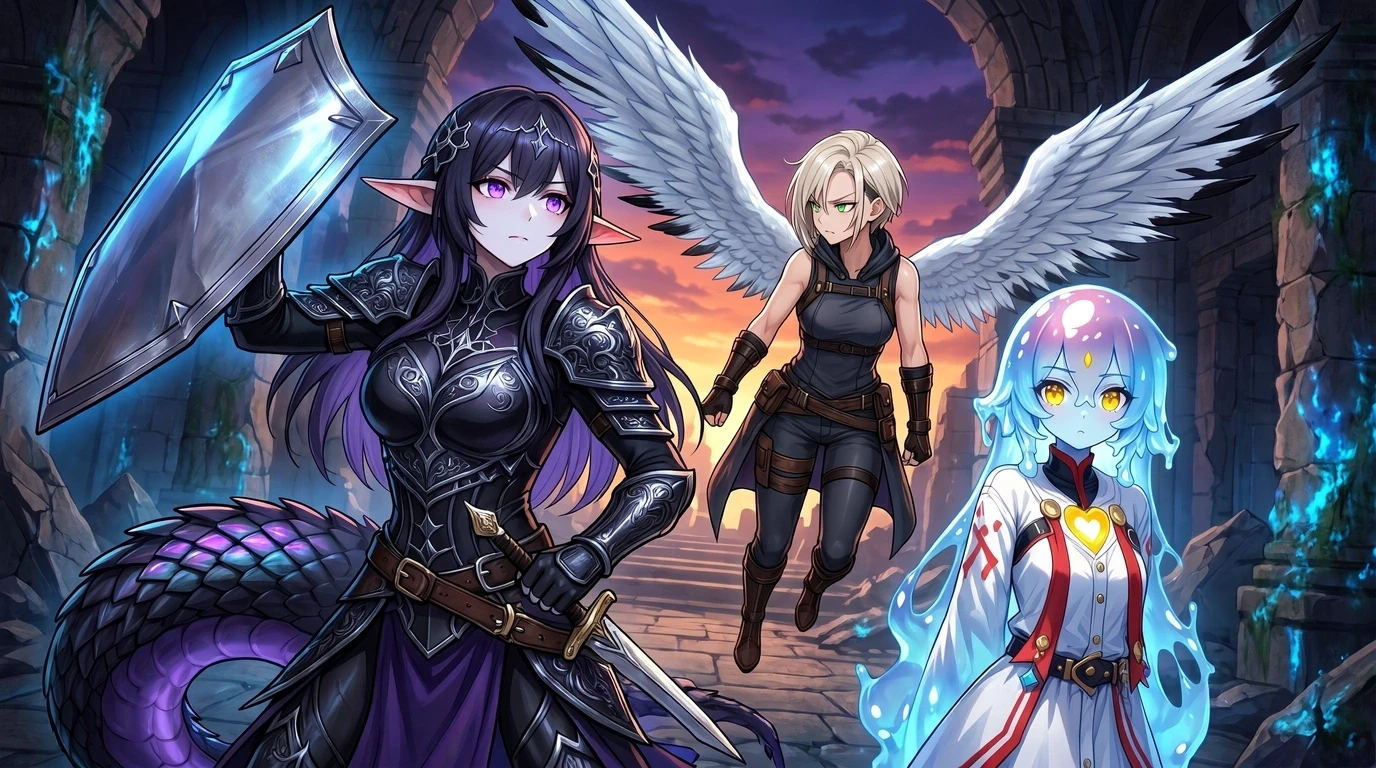
The limits that apply to fan stories
Fan stories follow the same rules as everything else here. This is a summary; the content guidelines and Terms of Use are the full text.
- Every character is an adult. No character under 18, or presented as a child or teen, in any context. A character who is a minor in their original story may only appear as a clearly and consistently adult version, with adult art. A label like "aged up" does not count.
- Real people. No depictions of a real private person without their consent, no sexualized depictions of public figures, and nothing depicting real living politicians, dictators, terrorists or criminals. Cloning a real person's voice needs their documented consent.
- Other people's work. Do not publish content that infringes someone else's copyright or trademark. It is removed on a valid report.
- Your device versus the community. Stories you play stay in your browser and we do not review them. What you publish is stored on our servers, screened and shown to other players, with stricter rules for images.
DreamRunner is not affiliated with or licensed by the owners of any series, and this page is not legal advice. Romance and mature storylines between adult characters are allowed within the guidelines, and images stay non-explicit.
Who this is not for
DreamRunner does not write a finished fic for you to post on a fan fiction archive, and it has no text export. The only download is a .drsf save file that re-imports into DreamRunner. Publishing to the community shares your setup and first scene, not your playthrough. It isn't a quick way to get a one-shot either, since you play scene by scene. It runs in the browser only, and it is for adults only.
Other ways to play
For open scenarios with a whole cast, see AI roleplay. For one-on-one talk, see AI character chat. To start from an original idea, see the AI story generator. Weighing other apps? See how AI visual novel apps compare, and the FAQ for credits and saving.
AI fanfiction FAQ
Is this AI fanfic generator free? +
Yes. The free plan gives you 100 story generations and 50 images every day on a simpler AI model, and it is not a trial that expires. Credits unlock the premium models. No download and no credit card.
Can I write myself into the story? +
Yes. You play a character in your own story. Say who you are in the story prompt, then type what you say and do.
Can I set up an alternate universe? +
Yes. Put the rules of your version in the story prompt, add custom instructions about pacing or tone, and edit the story summaries or any character's memory whenever you like.
Can I use characters from a series I love? +
You describe every character yourself. DreamRunner is not affiliated with or licensed by any rights holder, and our guidelines say not to publish content that infringes someone else's copyright or trademark. Every character must be an adult, published or not. The content guidelines and Terms of Use have the full rules.
Can I export my fanfic as text? +
No. There is no text, document or PDF export. You can download a .drsf save file that re-imports into DreamRunner on any device. Publishing to the community shares your setup and first scene, so other players start their own run.
Play your what-if
Describe the cast and the moment everything changes, then play the first scene. Free, in your browser, no download.